Guide
How to remove mic bleed from a podcast recording
By Lev PerlmanUpdated 4 min read
To remove mic bleed from a podcast, turn each speaker's microphone down while that person is not talking. You can do it by hand by cutting or muting the gaps, automatically with a noise gate or expander on each track, or by deciding who is speaking from the microphones and opening only that mic. Recording with the right technique first makes every one of these work better.
Why does mic bleed happen?
Every microphone in a room picks up every voice in that room. The guest's voice reaches the host's mic too: quieter, a few milliseconds later, and with more of the room's echo. When you mix the tracks together, each voice is heard several times, slightly out of step. The result sounds distant and hollow, often described as "phasey".
Bleed gets worse when:
- speakers sit close together or face each other;
- microphones are sensitive to sound from the sides and rear;
- the room is bare and reflective;
- one person talks much louder than the other.
How do you reduce bleed when you record?
Prevention is worth more than any plug-in.
- Use dynamic microphones close to the mouth. A close dynamic mic picks up its own speaker strongly and the room weakly. The closer the mic, the more you can turn it down without losing the voice.
- Point each mic away from the other speakers. Most podcast microphones are least sensitive directly behind them. Arrange people so each mic's back faces the others.
- Add distance. Every doubling of the distance between a voice and another person's mic makes that bleed noticeably quieter.
- Soften the room. Soft furnishings, curtains and a rug cut the reflections that make bleed sound hollow.
- Record every mic to its own track. You can only remove bleed in the edit if each speaker is on a separate track.
How do you remove bleed in the edit?
Option 1: Cut or mute the gaps by hand
On each speaker's track, cut out or mute the sections where that person is not speaking, leaving short fades at each edge. It gives the cleanest result and you control every decision, but it is slow: an hour-long two-person episode has hundreds of turns.
Option 2: A noise gate or expander on each track
A gate turns a track down when its level falls below a threshold and lets it through unchanged when the level rises again; Apple describes its Noise Gate as removing background noise and crosstalk from other sources this way.1 An expander does the same more gently, turning the track down by a set amount instead of closing it.
Set them up per track:
- Threshold: above the level of the bleed, below the level of the speaker's quietest words.
- Attack: fast, so the start of each word is not cut off.
- Hold and release: long enough that the track does not chatter open and shut between words.
- Range (expanders): how far to turn the track down. A reduction you can hear but that does not sound like a switch is usually more natural than closing it fully.
Final Cut Pro, Premiere Pro and DaVinci Resolve all include gate and dynamics tools.
The limitation is that a gate looks only at its own track's level. When the other speaker is loud, the bleed crosses the threshold and the gate opens for the wrong person. When your speaker talks softly, the gate can close on them.
Option 3: Decide from all the microphones together
The decision a gate is trying to make is "is this person talking?". The most reliable way to answer it is to compare every microphone at the same moment: the speaker's own mic is clearly louder, relative to its own background level, than the others. With that answer, you can open only the right mic at each moment, whatever the absolute levels.
How podswitch removes bleed
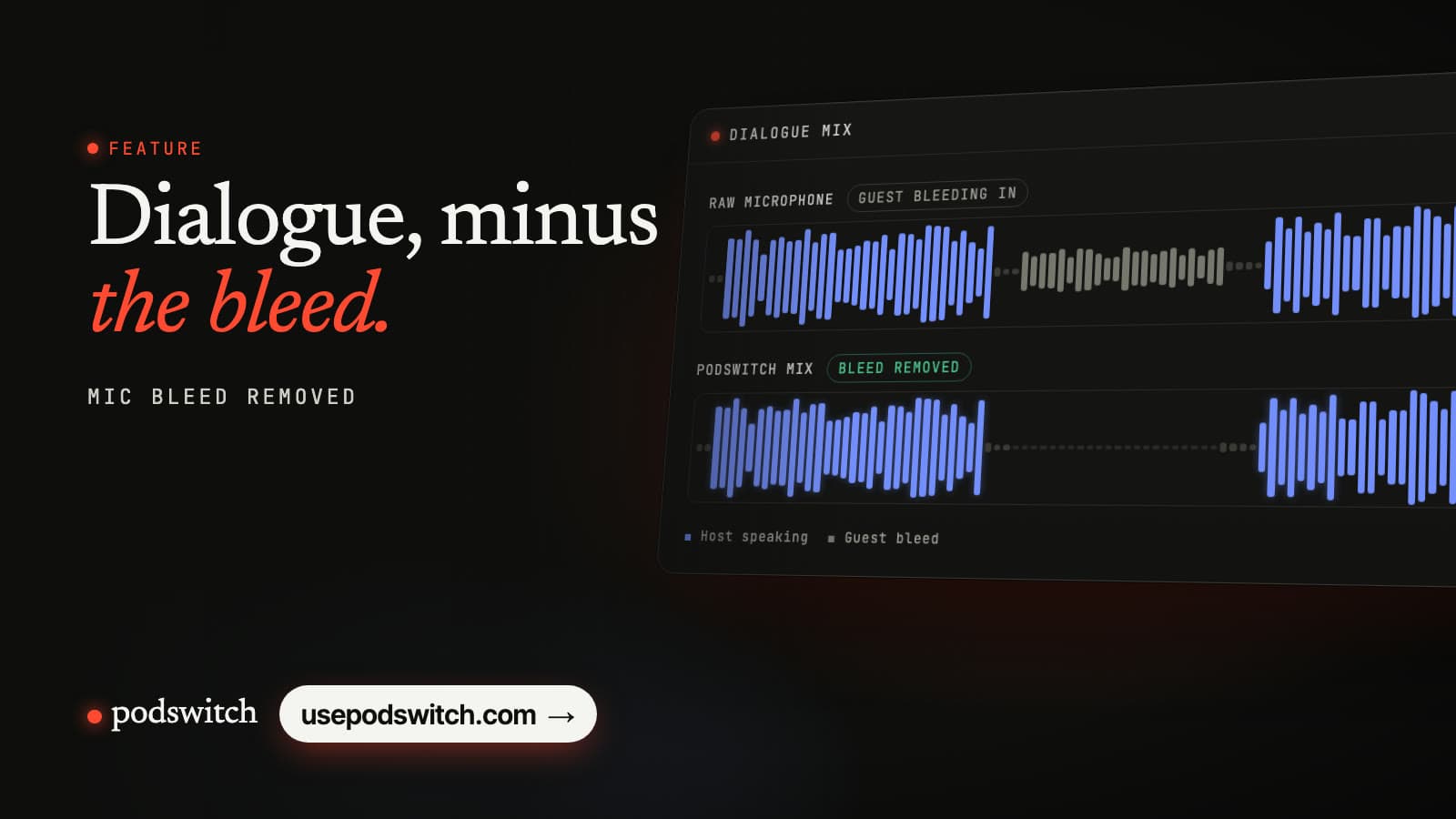
podswitch does Option 3 automatically. It compares the microphones throughout the recording to work out who is speaking, then builds a dialogue mix where each mic is open while its speaker talks and turned down while they are not, with smooth fades so the changes are not heard. When two people genuinely talk at once, both mics stay open. The same decisions drive the camera cuts, so the picture and the clean audio always agree.
The mix becomes the audio of the edit in your editor (AAC by default, or 24-bit WAV if you want lossless), so the sound stays continuous across every cut. More detail is in how podswitch removes mic bleed.
Sources
-
Apple, Logic Pro User Guide, "Noise Gate overview". https://support.apple.com/guide/logicpro/noise-gate-overview-lgcef1bececd/mac ↩
Common questions
What is mic bleed?
Mic bleed, or spill, is the sound of other people reaching a microphone that is meant for one speaker. In a shared room every mic hears every voice, quieter and a moment later, which makes the mix sound roomy and hollow.
Will a noise gate remove mic bleed?
Often, partly. A gate closes a microphone when its level drops below a threshold, so it mutes the bleed in the gaps when its speaker is silent. It struggles when the other speaker is loud or close, because the bleed then crosses the threshold too, and it can clip the starts of quiet words.
Should I use a gate or an expander?
An expander is gentler. Instead of closing the mic completely, it turns it down by a set amount when it is quiet, so the room sound is reduced rather than switched on and off. For conversation it usually sounds more natural than a hard gate.
Do I need to remove bleed if I only use one microphone?
No. Bleed is a problem when several open microphones carry the same voice. With one microphone there is nothing to bleed into, although the room itself may still be audible.