New · Social clips
One episode. Clips for the week.
podswitch reads the conversation, suggests the moments most likely to work as short clips, and builds each one: pauses cut, camera following the speaker, captions added, in vertical, square or landscape. They open in Final Cut Pro, Premiere Pro or DaVinci Resolve, ready to check and export.

How does it work?
- 01
podswitch transcribes the episode
As soon as an edit is ready, the dialogue mix is transcribed, with every word matched to the person speaking it.
- 02
Claude picks the moments
Tell it how many clips you want, how long, and optionally what to look for or who to feature. It looks for a strong opening line, one clear idea and a payoff that makes sense without the rest of the episode.
- 03
podswitch builds each clip
Pauses and dead air are cut out. The camera follows whoever is talking, with short shots of the other person when they react or reply. Captions are timed to the words and laid out for the shape.
- 04
You check it and open it in your editor
Preview each clip with your own files, change any camera or cut, then download it for Final Cut Pro, Premiere Pro or DaVinci Resolve.
A real clip, as podswitch built it
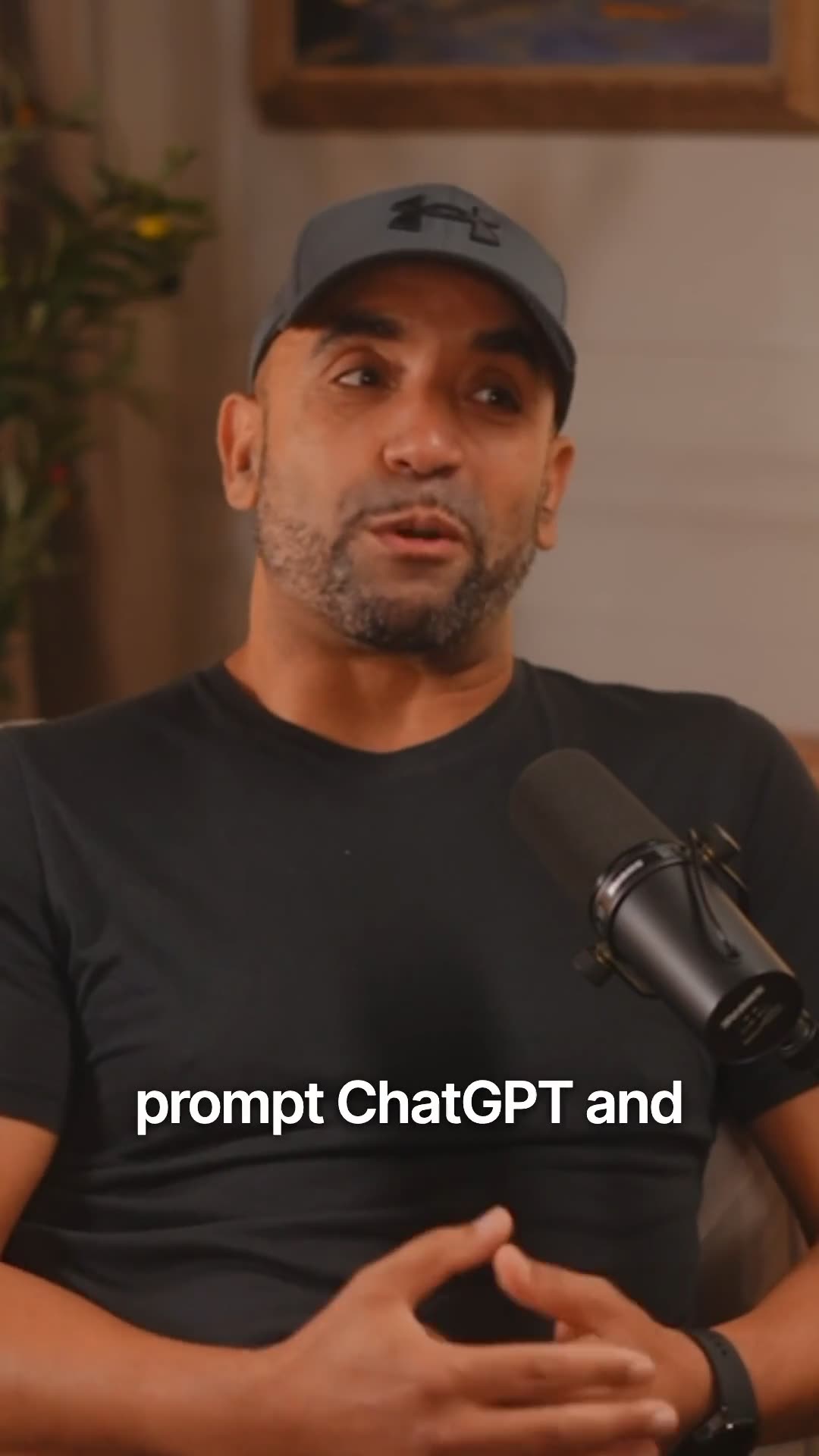
These are the suggestions Claude made for one of our own recordings, with the score it gave each. The clip alongside is the top-scored one, built by podswitch from the two camera files. For this page the captions are burned in; in your editor they stay editable.
- You can’t just prompt ChatGPT to build a regulated company30s88
- Are we all going to die because of AI?25s84
- Why most people in the UK can’t get financial advice29s82
- Why tech-only startups fail in fintech27s80
- Can regulated financial advice run on LLMs?31s78
- AI is good at some things, not others33s78
The score is the model’s judgement of how well a moment stands on its own as a short clip. It does not predict views: what you post, and when, is up to you.
What is in each clip?
- Hook and reason
- Every suggestion shows the opening line, why it was picked and a score, so you can decide quickly which to post.
- Pauses removed
- Silences between and within sentences are cut, so the clip moves at the pace people scroll at.
- Camera that follows
- The person speaking is on screen. The listener appears for reactions and replies, a few times a minute, so it still feels like a conversation.
- Three shapes
- Vertical 9:16 for Reels, TikTok and Shorts, square 1:1 for feeds, and landscape 16:9. Set the framing for each camera once.
- Captions
- Editable captions in Final Cut Pro and an SRT file for every clip, for Premiere Pro and DaVinci Resolve.
- Your edits
- Change who is the main focus, swap the camera on any shot, add or remove cuts, and rename the clip. Changes are saved and used in the download.
Which plans include it?
Social clips come with paid plans. Each plan includes a number of clips per calendar month; a request that fails does not count.
- Premium, monthly18 clips a month
- Premium, annual30 clips a month
Social clips questions
What are social clips?
Short clips cut from your episode for Reels, TikTok, YouTube Shorts and LinkedIn. podswitch transcribes the conversation, picks the moments most likely to land, cuts out the pauses, switches to whoever is talking, adds captions and frames each clip vertical, square or landscape. You get them as timelines for Final Cut Pro, Premiere Pro or DaVinci Resolve.
How does podswitch choose the moments?
An AI model (Anthropic’s Claude) reads the transcript and looks for a strong opening line, one clear idea and a payoff, in a moment that makes sense on its own. Each suggestion comes with its hook, the reason it was picked and a score. The score is the model’s judgement, not a promise of views: you choose what to post.
Are the clips rendered videos?
No. Like the full edit, clips open in your editor as timelines that use your own camera files, already cut and framed, with captions you can edit. You export the final video from your editor, so you can adjust anything first.
Can I change a clip before I export it?
Yes. Preview each clip with your own files in the browser, rename it, change who is on screen for any shot, add or remove cuts, set the framing for each camera, and make a different person the main focus. You can also ask for clips featuring a particular person.
Are captions included?
Yes. Final Cut Pro gets editable captions in the project, and every editor gets an SRT file for each clip, timed to the clip. Premiere Pro and DaVinci Resolve import the SRT onto a captions track.
What happens to my audio for social clips?
The dialogue mix is transcribed by AssemblyAI in the EU, and the transcript, with the speaker names you entered, is sent to Claude to choose the clips. Neither may use it to train their models. Your video is never uploaded.
Which plans include social clips?
Paid plans. Each plan has a number of clips per calendar month, shown on the pricing page. Clips made by a request count against it; a request that fails does not.